
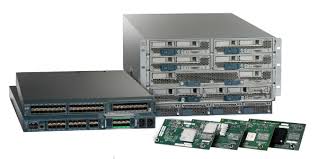
In this post, we are going to create a VLAN in the UCS Manager, but we are going to use the latest HTML5 version. So let’s get started bu logging into the UCS Manager URL. Once there browse to the LAN tab, in the case of the new GUI shown here, the third icon on the left (counting from the top).
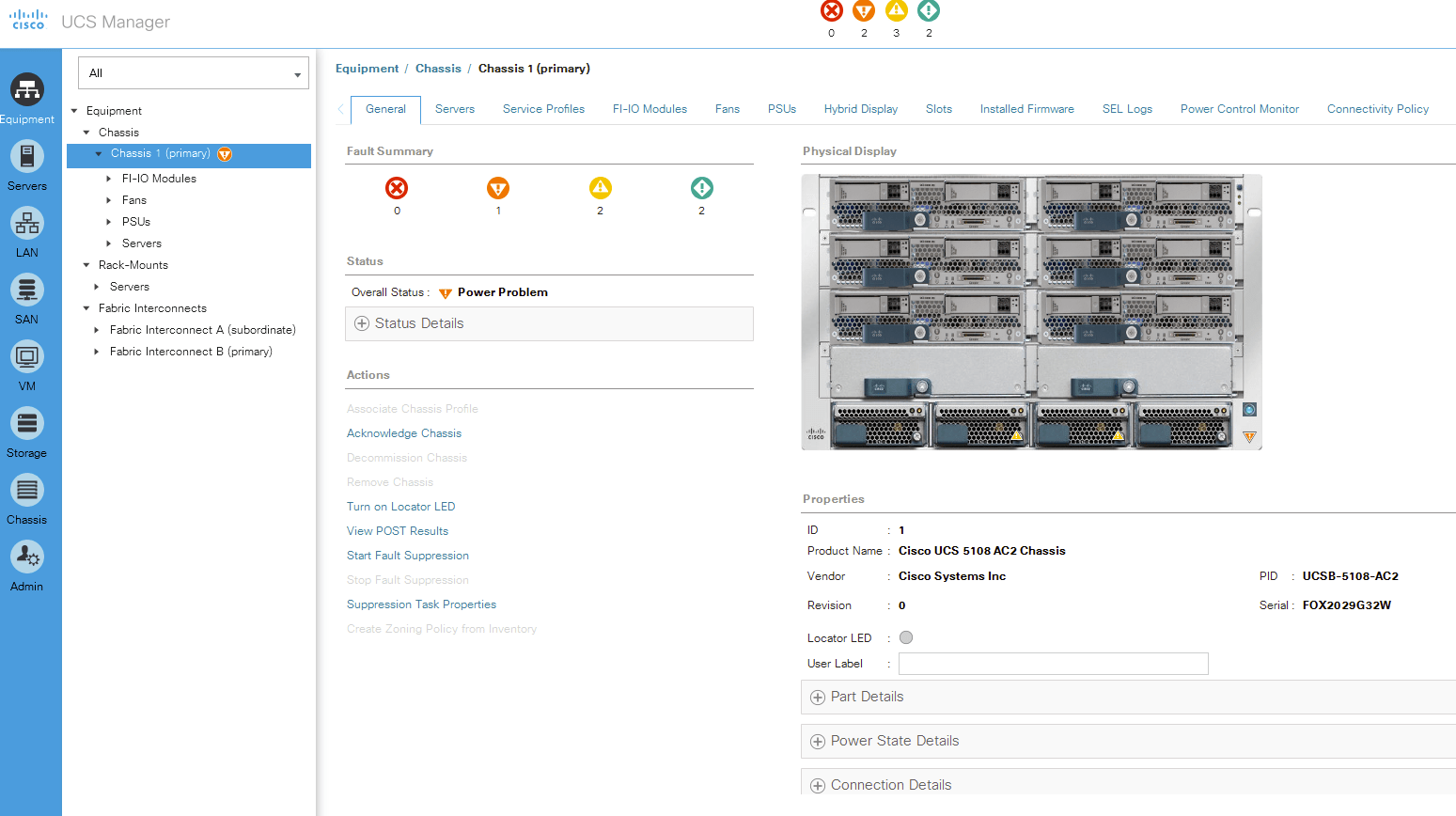
Then browse to the VLANs section inside the LAN cloud. Remember to stay on the general LAN cloud instead that on inside the Fabric A or B.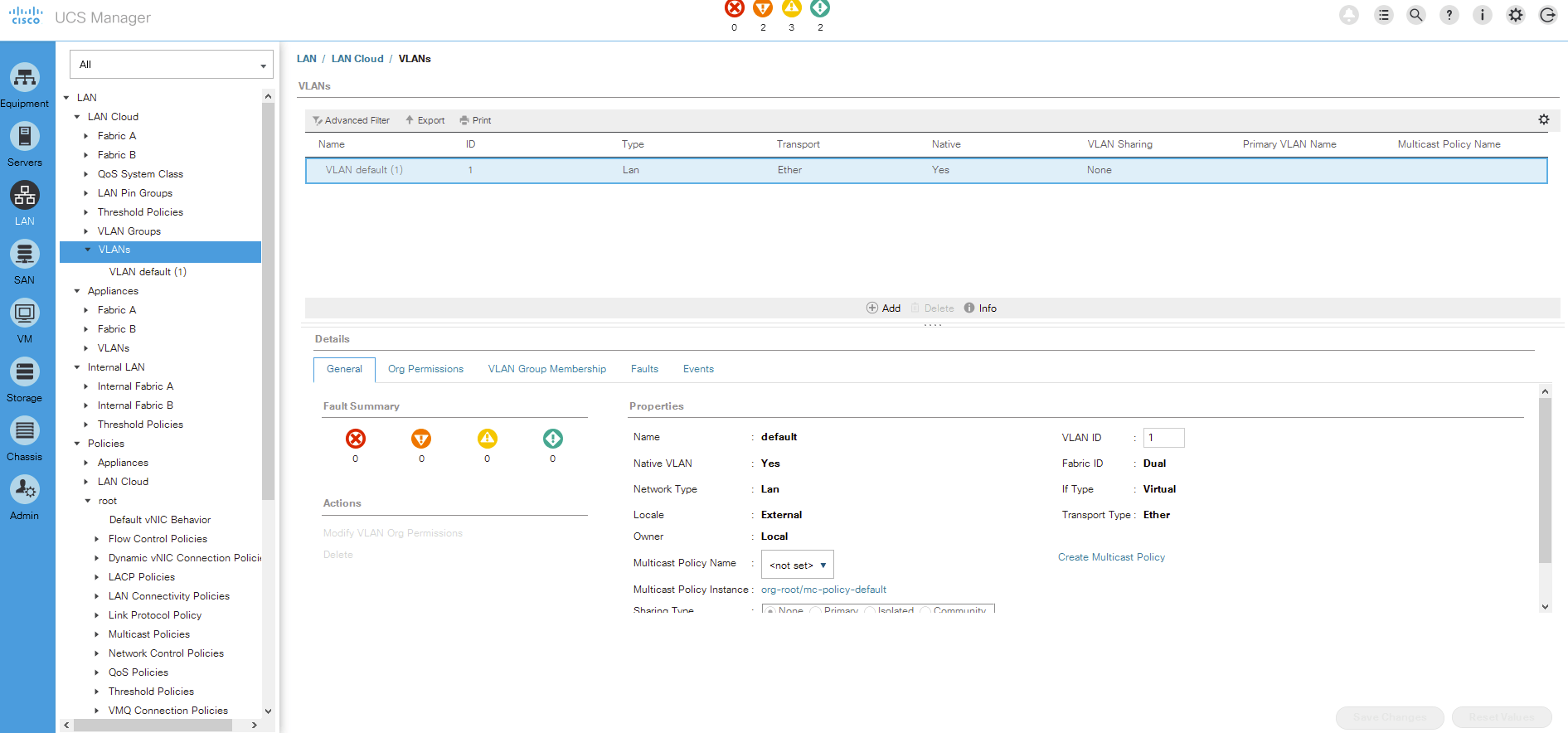
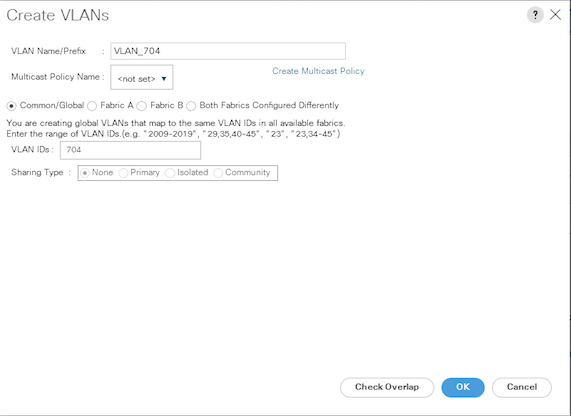
Now click the Add button in the top-right pane. The Create VLANs pop-up windows appeared, then choose a name (VLAN_704 in this case) and set the VLAN ID (704 in this case). Click OK
That is all for this post, the VLANs are used within the vNIC templates to pass the network communication from outside the UCS environment. Next time I will show you how to create Policies.



 VWannabe
Leave a comment